
SvelteKit Navigation Progress Bar
v1.0.1A SvelteKit package that provides a customizable progress bar to indicate page navigation progress.
A simple progressbar for sveltekit to show the progress of navigation. It uses the navigating state from sveltekit to track the navigation progress and shows a progress bar at the top of the page.
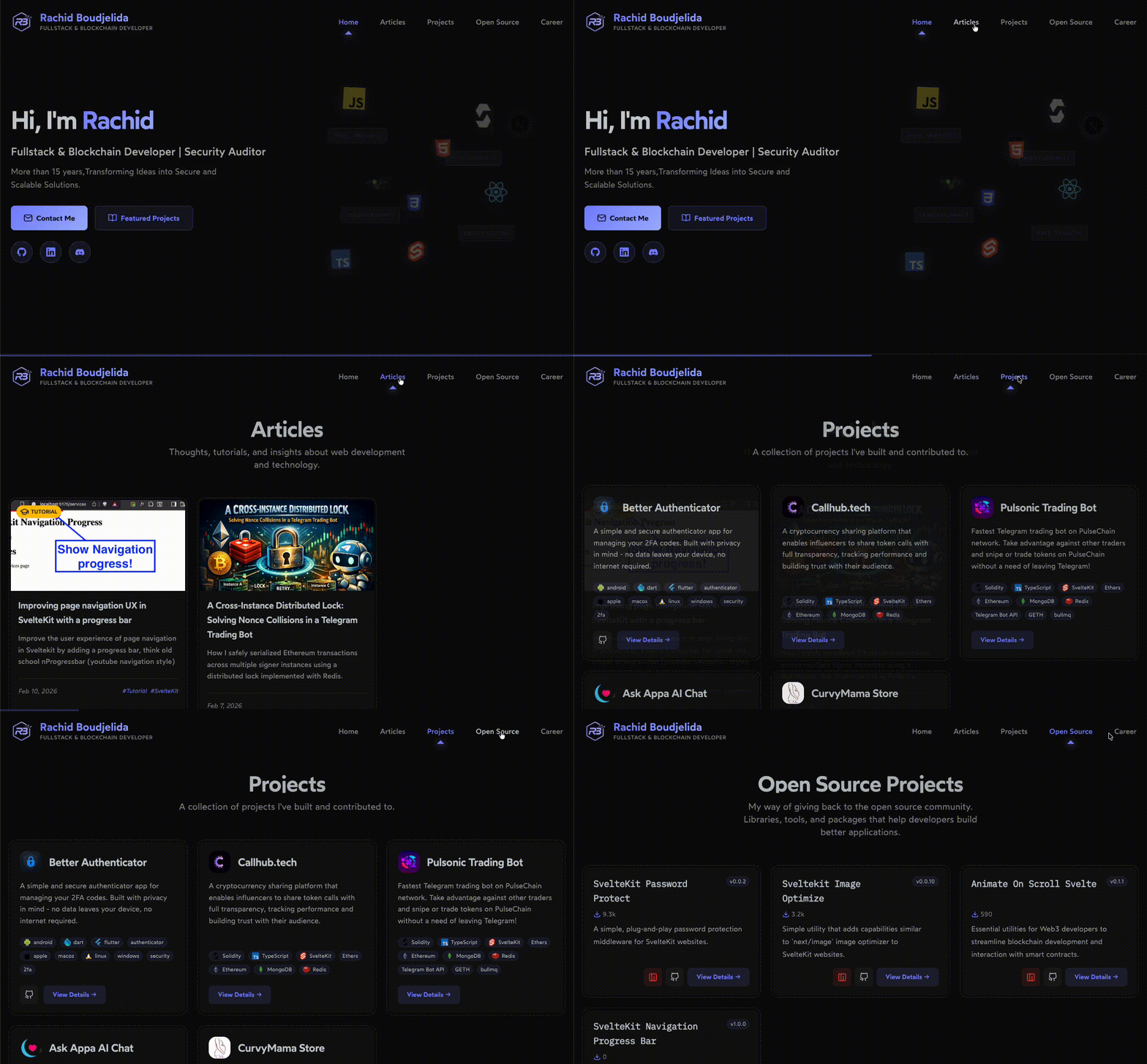
Demo
Installation
npm install sveltekit-navigation-progressbarpnpm add sveltekit-navigation-progressbaryarn add sveltekit-navigation-progressbarbun add sveltekit-navigation-progressbarUsage
<script lang="ts">
  import { NavigationProgress } from 'sveltekit-navigation-progressbar';
</script>

<!-- accept any css color value (hex, rgb, rgba, hsl, hsla, named colors etc...) or a css variable pointing to a valid color -->
<NavigationProgress fillColor={'blue'} trackColor={'transparent'} />
Styling
Colors
fillColor: The color of the progress bar. Default isred.trackColor: The color of the track (the background of the progress bar). Default istransparent.
Css Styling
You can change everything about the progress bar by targeting the progress[data-navigation-progress] attribute in your css. For example:

progress[data-navigation-progress] {
    top: 150px; // change the top
}
This gives you full control over the styling og the progress bar, expect for the colors which are controlled by the fillColor and trackColor props.
If you want to see the default styles, you can check the NavigationProgress.css file.
This package was created as part of this article Improving page navigation UX in SvelteKit with a progress bar
License
MIT License